KOTO Bot
For KOTO NETWORK, my Minecraft minigames network: a Discord bot built from scratch that sets up the whole server, handles support and moderation, runs giveaways, recruiting and clips, and posts every update with a branded card, in English and Spanish.
- Year
- 2026
- Role
- Design and development
- Built with
- TypeScript · discord.js · Docker
- Status
- In testing
A Discord server that builds, guards and announces itself.
A Minecraft network needs a big Discord from day one: dozens of channels and roles, support, moderation, giveaways, recruiting and updates for every minigame. Building and keeping it by hand gets messy with every new game, and a community that speaks English and Spanish needs two languages without doubling the channels.
Counted in the code, in the server configuration and in the bot's tests.
- 01The server builds itself
/setup first shows what will change, then creates roles, categories, channels, permissions and Community mode. Running it again never deletes anything.
- 02Everything runs on buttons and forms
Ideas, bugs and feedback through forms, forums that open with «I read and accept», tickets with a rating and a control panel with everything in sight.
- 03Every update is on-brand
Cards are posted in English with a «View in Spanish» button, and each one carries its banner with KOTO's sky and colors.
The cards
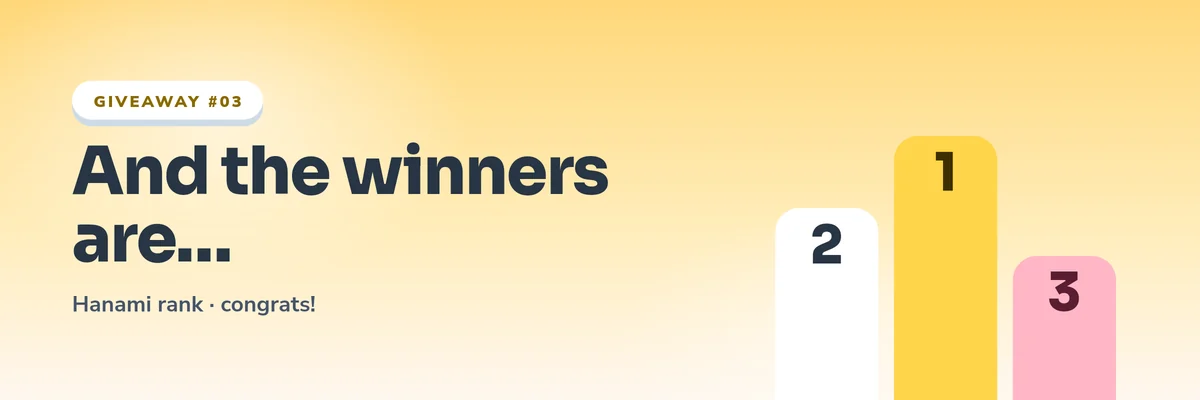
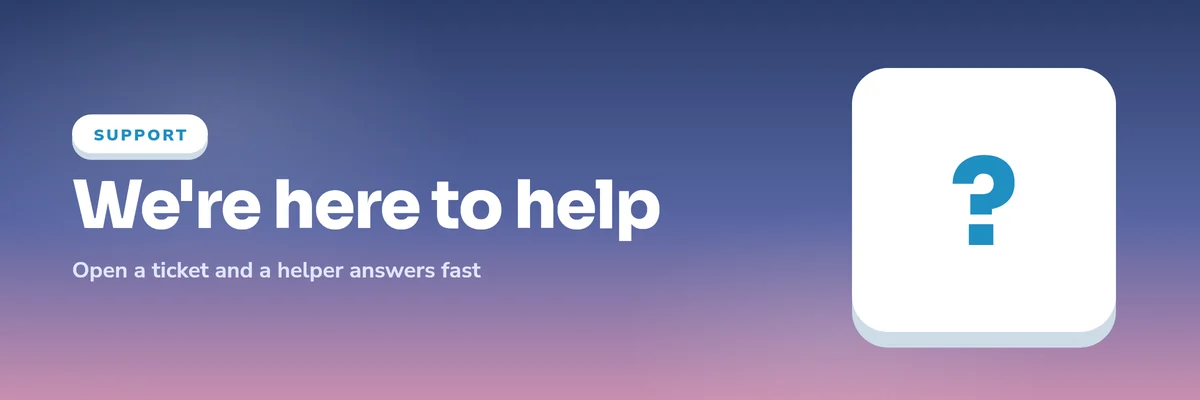
22 kinds of updates, each with its own banner: the KOTO sky and a piece of its own (a number, a calendar, a podium). The bot draws them when it posts; the style was picked first in mockups.
- Giveaway

- Winners
- Schedule
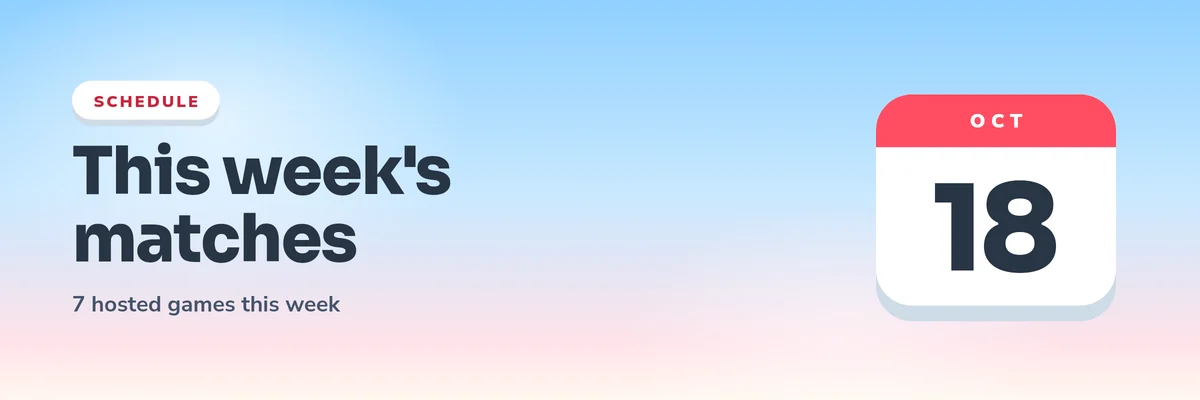
3 of the 22
Support and moderation
Private tickets with quick replies and a rating, /purge, /slowmode and /lock, AutoMod and raid protection, and a log where every event is its own card.
Forums and forms
Every forum opens with «📌 Read this first» and a button to accept its rules, with its own cooldown. Ideas, bugs and feedback come in through forms and go out as cards with votes and a status.
Join the KOTO team
Positions with a two-step application. The openings channel shows up when there's an open position and hides itself when there are none.

Network status
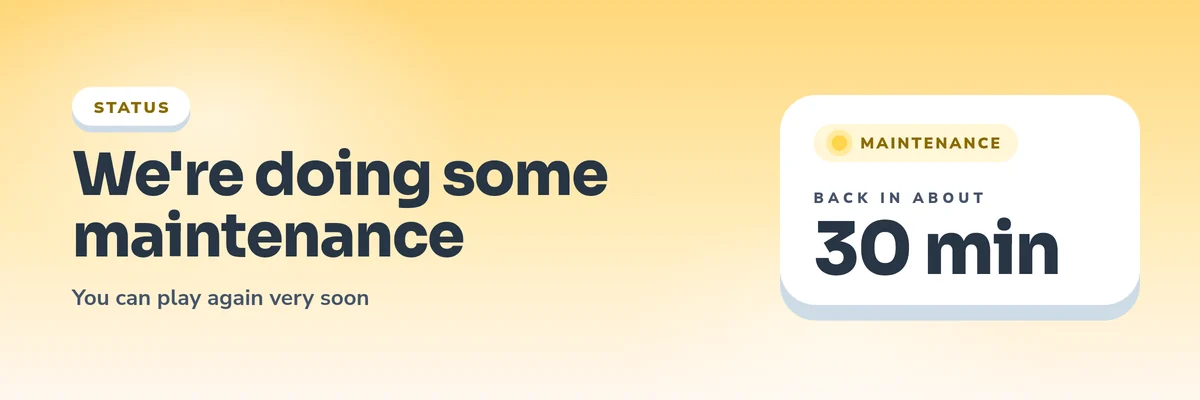
Maintenance with the time set from the staff panel: the card updates itself and lets everyone know when the network is back.
- A new minigame gets its channels, schedule and guides just by adding it to the configuration, without touching the code.
- Staff buttons never show up on a message players can see: shared state lives on the button (a counter, «Closed») and each person's own state is answered privately.
- The banners were designed first as mockups to pick the style, and only then coded.
- It doesn't read the game's database yet: profiles, live matches and the reward for linking your account come in the next phase.
- Live server status waits until the Minecraft network runs on the same server as the bot.
- If the whole server goes down, the bot only reports it in its log once it's back: there's no outside watcher yet to warn in the moment.
If you run a gaming community that grows by modes or seasons, this shows how one bot can build the server, look after it and announce it with your brand, without your staff doing repetitive work.
Build your project in four questions →